
Animate any photo with Seedance, Kling and VeoImage to Video AI
Drop in a product shot, a portrait or a frame you designed, describe the motion, and get a clip back, with sound on the models that make it. Every leading video model runs on one credit balance.
You add your photo as the start frame in the video studio.
- Clips from 75 credits
- Up to 30s per clip
- Up to 1080p
- Start and end frames
- Commercial use
How to turn an image into a video
No editing timeline and no keyframes. The photo sets the scene; your prompt sets what happens next.
- 01
Add your photo
Upload a JPG, PNG or WebP image, or pick one you made in the image studio. It becomes the first frame of the clip.
- 02
Describe the motion
Say what moves and how the camera moves. The model already sees the photo, so you don't need to describe what's in it.
- 03
Pick a model and length
Choose the model, resolution and clip length, and add an end frame if you want the shot to land somewhere exact. The credit cost shows before you generate.
- 04
Generate and compare
Keep the take you like, tweak the prompt, or run the same photo on a second model and keep the better one.
Every image-to-video model, compared
All of these take your photo as the start frame and share one credit balance. Lengths, resolutions and prices come straight from the studio, so they match what you'll see when you generate.
| Model | Length | Resolution | Sound | End frame | From | Open in studio |
|---|---|---|---|---|---|---|
| Veo 3.1 | 4s–8s | 720p, 1080p | Generated | Yes, 8s clips | 300 cr | Try |
| Veo 3.1 Fast | 4s–8s | 720p | Generated | Yes, 8s clips | 250 cr | Try |
| Seedance 2.5 | 5s–30s | 480p, 720p, 1080p | Generated | Yes | 225 cr | Try |
| Seedance 2.0 | 5s–10s | 480p, 720p, 1080p | Generated | Yes | 150 cr | Try |
| MiniMax H3 Max | 5s–15s | 480p, 768p, 1080p | Your track | Yes, or on its own | 75 cr | Try |
| MiniMax H3 Max Turbo | 5s–15s | 480p, 768p, 1080p | Silent | Yes, or on its own | 120 cr | Try |
| Wan 3.0 | 5s–30s | 480p, 720p, 1080p | Generated | Yes | 150 cr | Try |
| Wan 2.7 | 5s–15s | 720p, 1080p | Generated | Yes | 225 cr | Try |
| Kling 3.0 Pro | 5s–15s | 720p | Silent | Yes | 250 cr | Try |
| Kling O3 Pro | 5s–15s | 1080p | Generated | Yes | 300 cr | Try |
| Happy Horse | 5s–10s | 720p, 1080p | Generated | — | 250 cr | Try |
“From” is the shortest clip at the lowest resolution. Longer and sharper clips cost more; the studio shows the price before you generate.
Which model to pick
Longest clips
Seedance 2.5 and Wan 3.0 run up to 30 seconds in one generation, long enough for a full ad beat.
Lowest cost per take
MiniMax H3 Max starts at 75 credits for a 5s 480p clip. Test the motion there, then re-run your favorite on a premium model.
Sound in the same pass
Veo 3.1, Veo 3.1 Fast, Seedance 2.5, Seedance 2.0, Wan 3.0, Wan 2.7, Kling O3 Pro and Happy Horse generate audio with the picture, so the clip is usable without a separate sound step.
Movement-heavy shots
Dance, sport and fast camera moves: Kling is usually the stronger pick when the action is the point of the shot.
Polished, on-brief framing
Veo 3.1 is good at doing what the prompt says, with clean lighting. It makes 4s or 8s clips in 16:9 or 9:16.
Exact start and end
Every model here takes a start frame; MiniMax H3 Max and MiniMax H3 Max Turbo can also work from an end frame alone. Most add an optional end frame for controlled transitions.
What you can make from a single photo
A few of the jobs image to video gets used for most, and where to start for each.
Product photos into ad clips
A packshot becomes a slow orbit, a light sweep or a hand picking it up, ready for Reels, TikTok or a product page.
Portraits and people
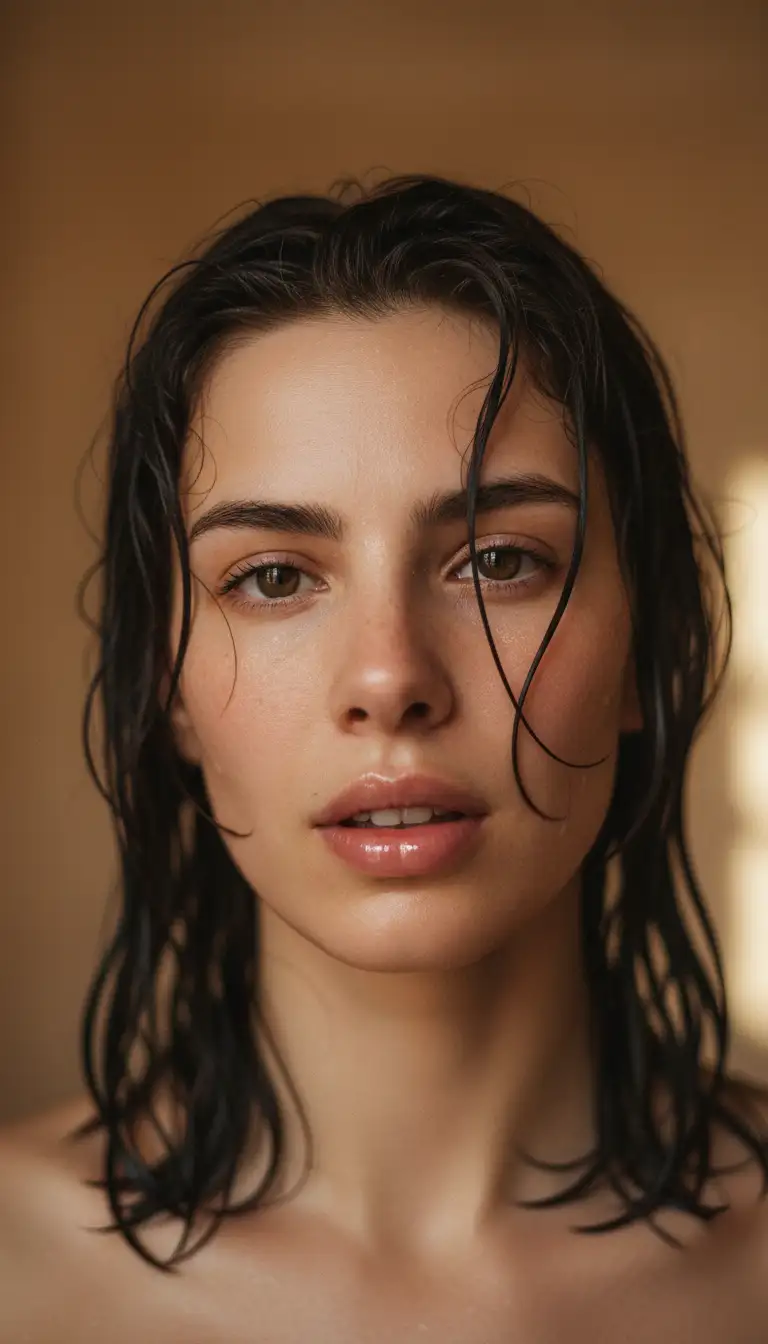
Small, believable motion: a glance, a smile, hair in the wind. Keep the camera calm so the face holds.
- Made with Happy Horse
Illustrations and art
Bring a painting, a poster or a character design to life. Make the artwork in the image studio first if you don't have one.
- Made with Seedance 2.5
Travel and real-estate photos
Turn a still of a room, a street or a coastline into a slow walkthrough or a drone-style reveal.
Social posts
Make a feed photo move for Stories and Shorts. Pick 9:16 or let the clip follow your photo's shape.
Talking portraits
Add a face photo and a voice track and H3 Max Lip Sync makes the portrait speak or sing, for up to 60 seconds.
Sample clips and images made in Perfect Photo AI.
Image to video prompts that work
An image-to-video prompt is shorter than a text-to-video one. The picture is already there; you're directing the next few seconds.
Describe the motion, not the picture
Your photo already sets the subject, colors and framing. Spend the words on what moves, how fast, and in which direction.
One camera move per clip
Push in, pull back, orbit, pan, tilt or handheld. Stacking three moves into five seconds usually looks muddled.
Keep the action small
"She looks up and smiles" beats a whole storyline. On longer clips (up to 30s) you can add a second beat.
Say what should stay put
Phrases like "background stays still" or "the label doesn't move" help products, logos and faces hold their shape.
Add sound cues on audio models
Name the ambience, effects or a short line of dialogue. Models that don't make sound simply ignore it.
Use an end frame to land the shot
When the last frame matters, like a product turn or a before-and-after, give the model both images and let it fill the motion in between.
Example prompts. Each opens in the studio with Seedance 2.5 selected; add your photo as the start frame.
Questions, answered
Keep exploring
- AI video generatorText and image to video, every model side by side.
- Seedance 2.0 & 2.5Long clips with sound, from a frame or references.
- Kling 3.0Confident, physical motion and consistent characters.
- Google Veo 3.1Polished 1080p with start and end frames.
- AI image generatorMake the first frame, then animate it.
- AI ad generatorOn-brand image and video ads from your brand kit.
Got a photo? Give it a few seconds of motion.
Open the video studio, add your image as the start frame and describe the move.
Animate a photo