
Studio, lifestyle and ad shots from one photoAI Product Photography
Upload a photo of your product and describe the shot. Get white-background listing images, lifestyle scenes, on-model photos and ads, with the product kept as close to the real thing as the model can manage.
Then attach your product photo in the studio's prompt bar.
- From 15 credits per image
- Up to 4K
- Up to 10 reference photos
- Commercial use
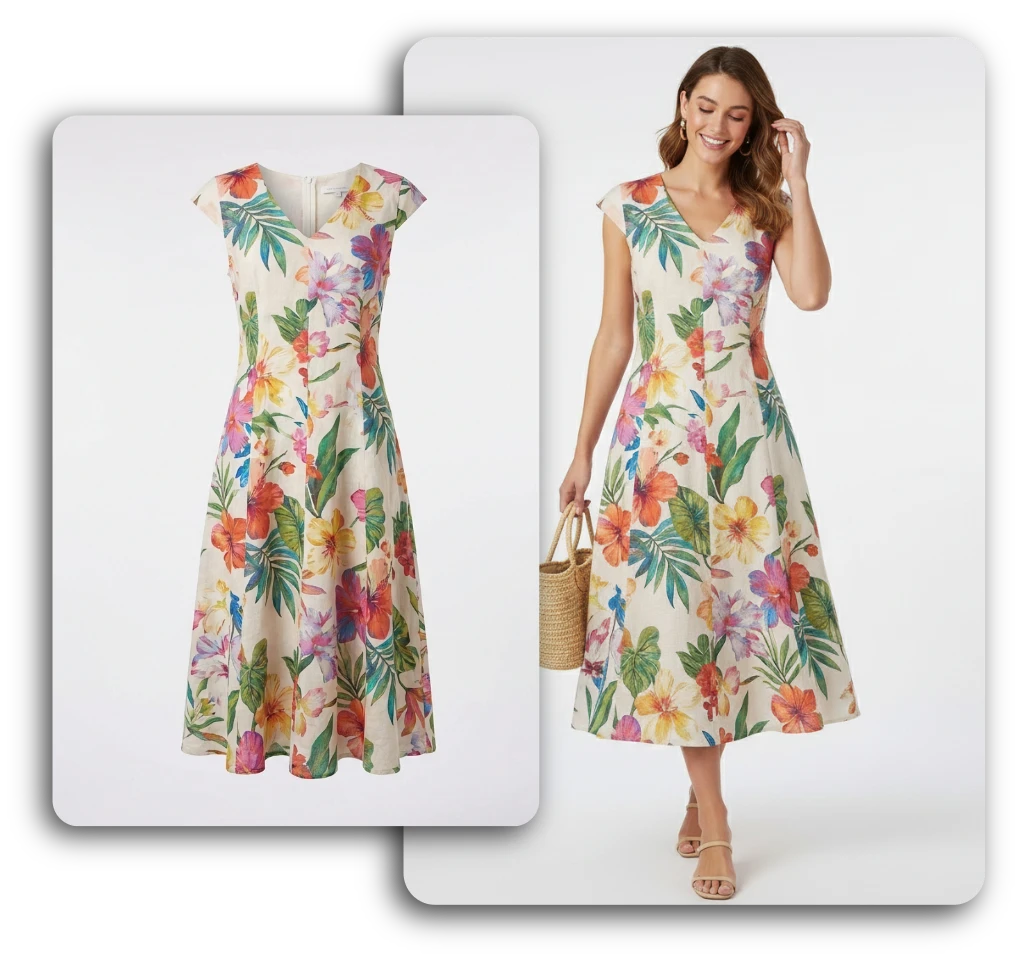 Product photoGenerated on-model
Same product. A new photo around it.
The product photo goes in as a reference, and the model builds the scene, the light and the person around it. Here's what that looks like on two hard categories: printed fabric and fine jewellery.
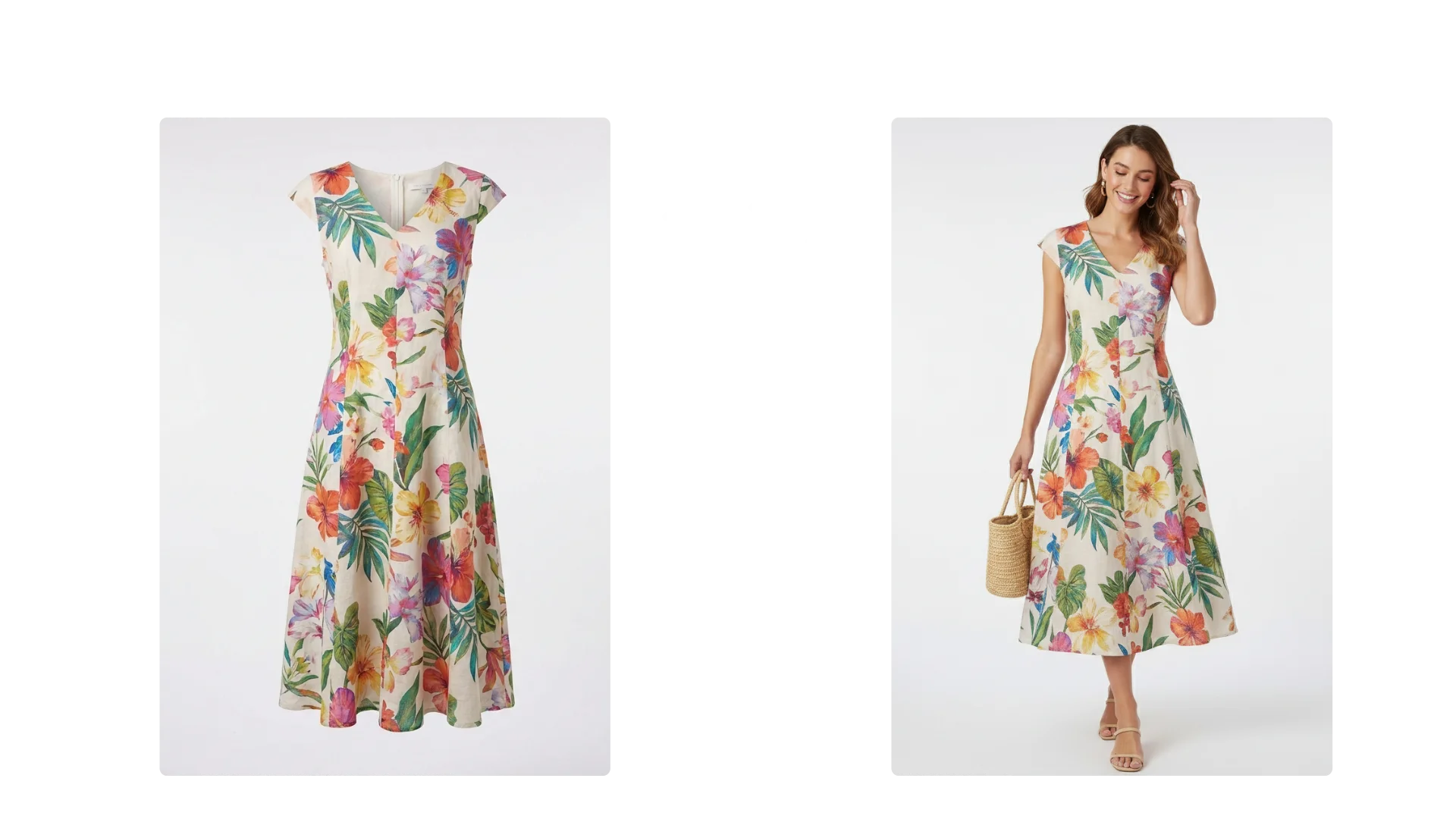 InputOutput
Kept: the tropical print, cap sleeves, V-neck and panel seams.
New: the model, pose, styling and the straw bag.
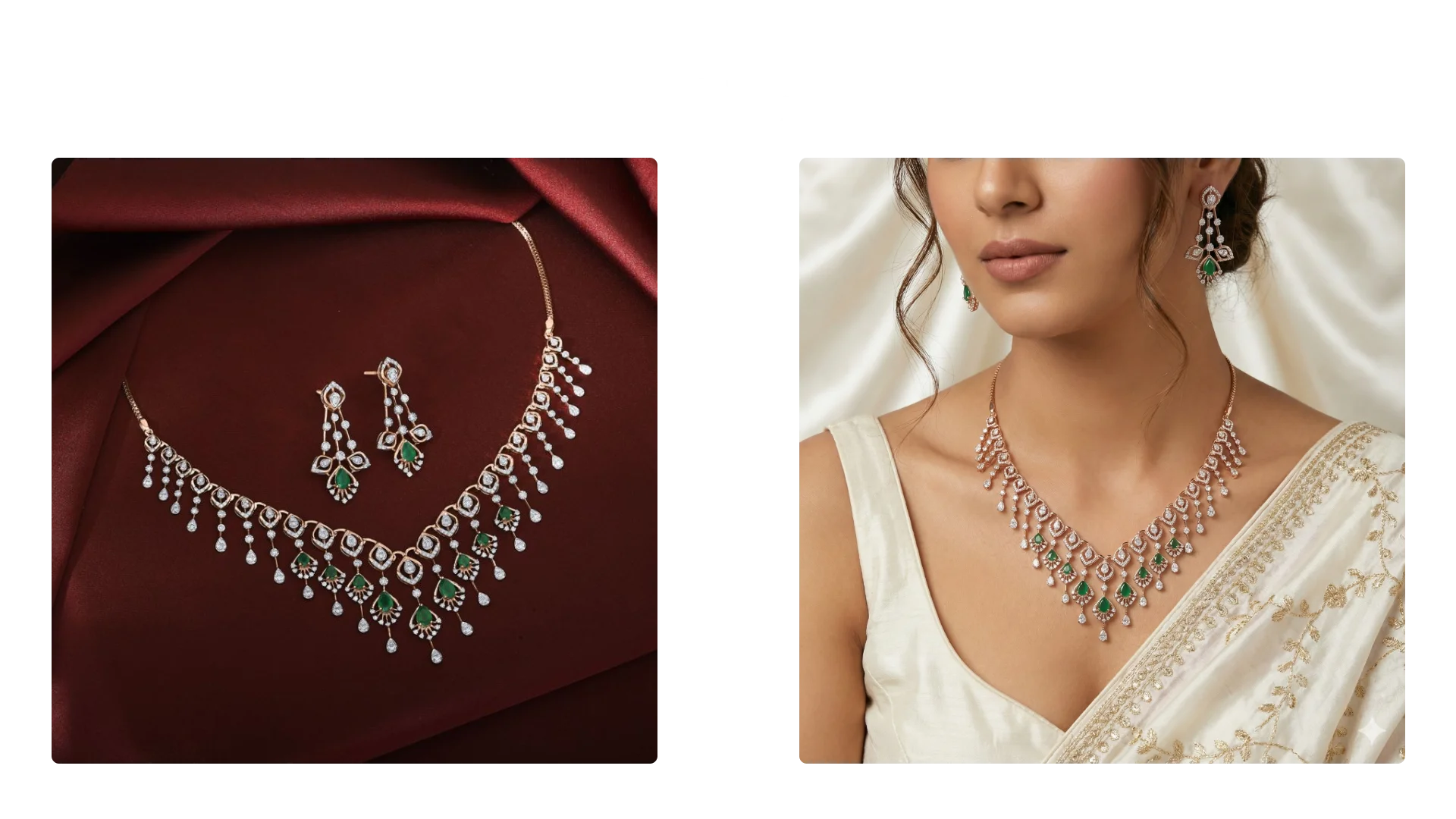 InputOutput
Kept: the emerald drops, stone layout and rose-gold chain.
New: the model, the sari and the ivory satin backdrop.
How to make product photos with AI
No studio, no props, no retouching queue. A good source photo and a specific prompt do most of the work.
- 01
Upload a clear product photo
A phone photo is fine. Shoot it straight on in even light, with the label facing the camera and nothing covering the edges.
- 02
Describe the shot
Say where the product sits, what's around it, the light and the framing. Add "keep the label and logo exactly as they are" to every prompt.
- 03
Pick a model and size
Square for marketplaces, 4:5 or 9:16 for social, 16:9 for banners. The credit cost shows before you generate.
- 04
Compare, refine, download
Check the result against the real product. Send it back with a follow-up edit if a detail drifted, then download.
Every shot a product page needs
One product photo can cover the main listing image, the secondary slots, your social feed and your ads. Each card opens the studio with the prompt filled in; attach your photo and generate.
- Prompt
“Product from my photo on a pure white background, centered, filling most of the frame, soft shadow, sharp focus, label unchanged”
White-background listing shots
Clean, centered packshots on pure white for the main image on Amazon, Shopify, Etsy and other marketplaces.
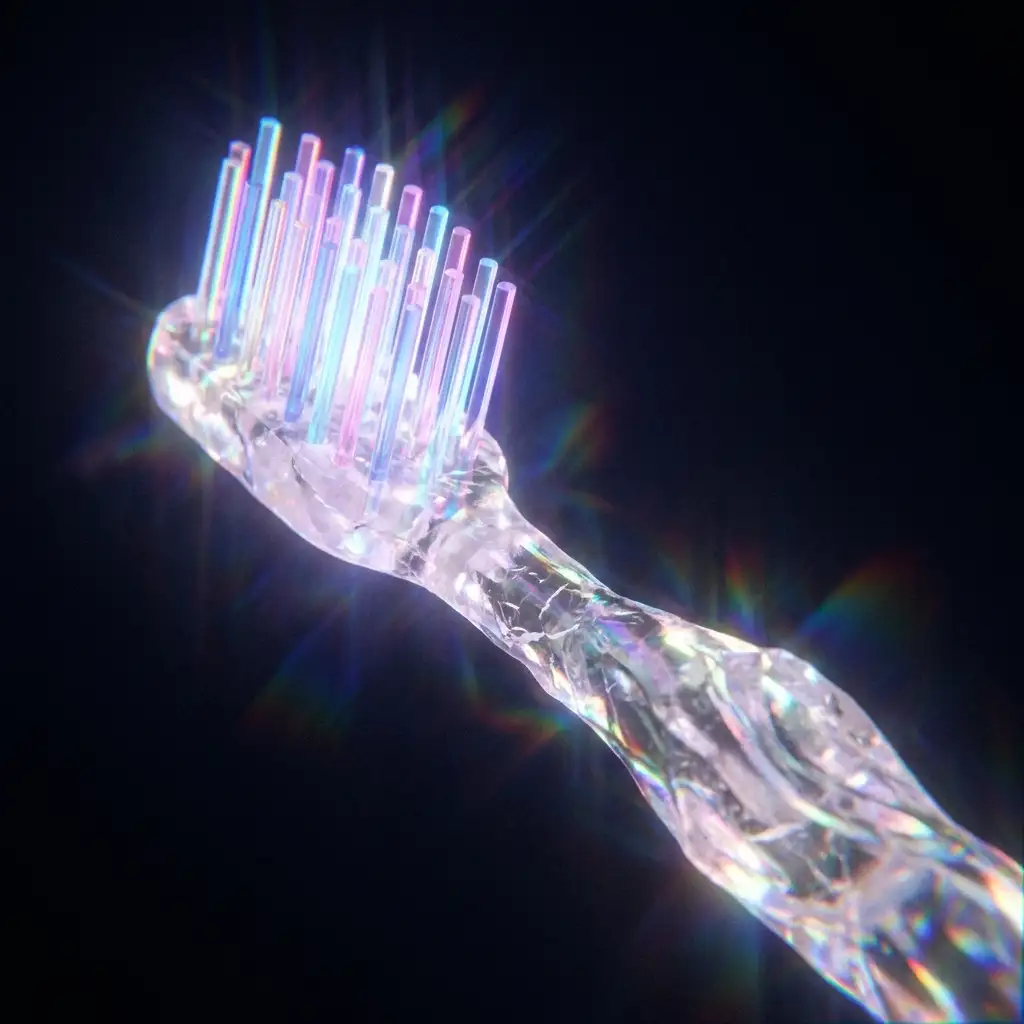
Studio hero shots
Dramatic light, colored backdrops, reflections and props for your homepage, launch posts and press kits.
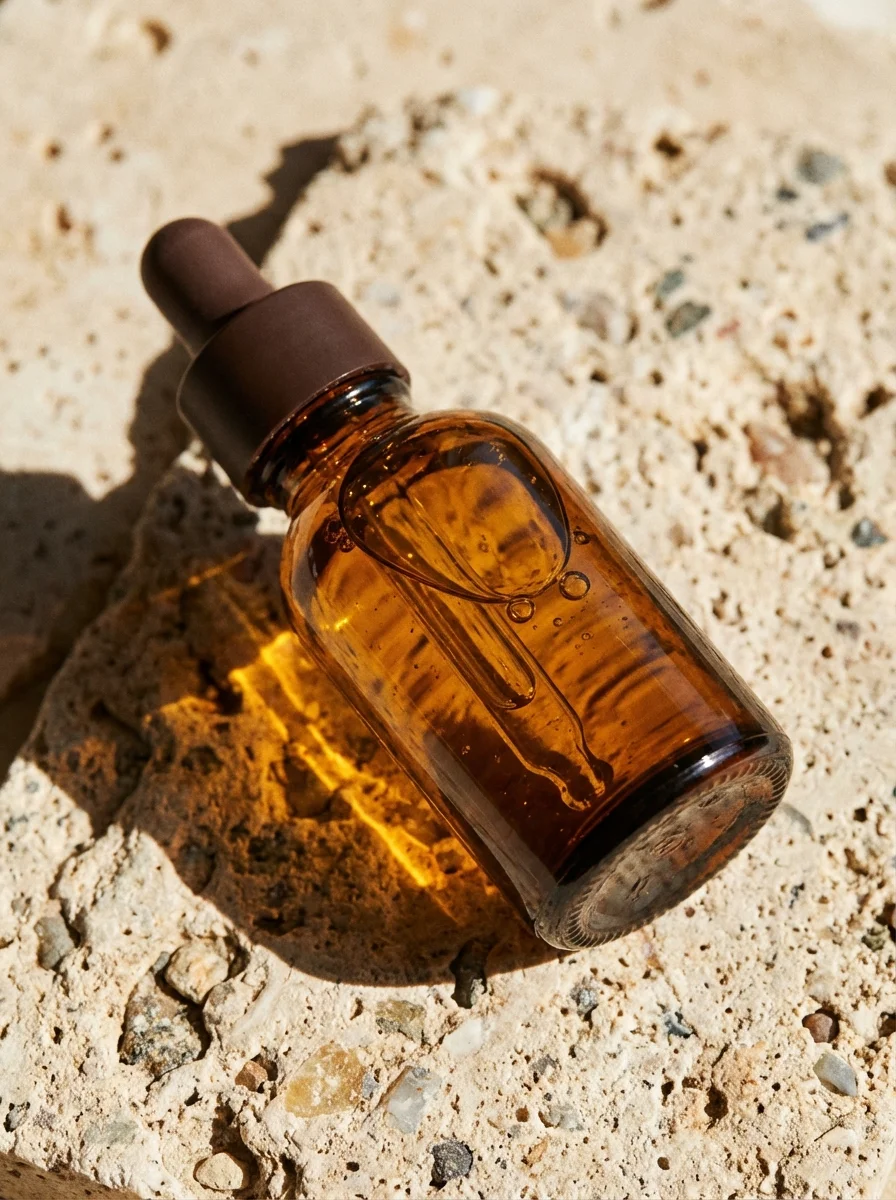
Lifestyle scenes
Your product where people actually use it: a kitchen counter, a desk, a beach towel, a bathroom shelf.
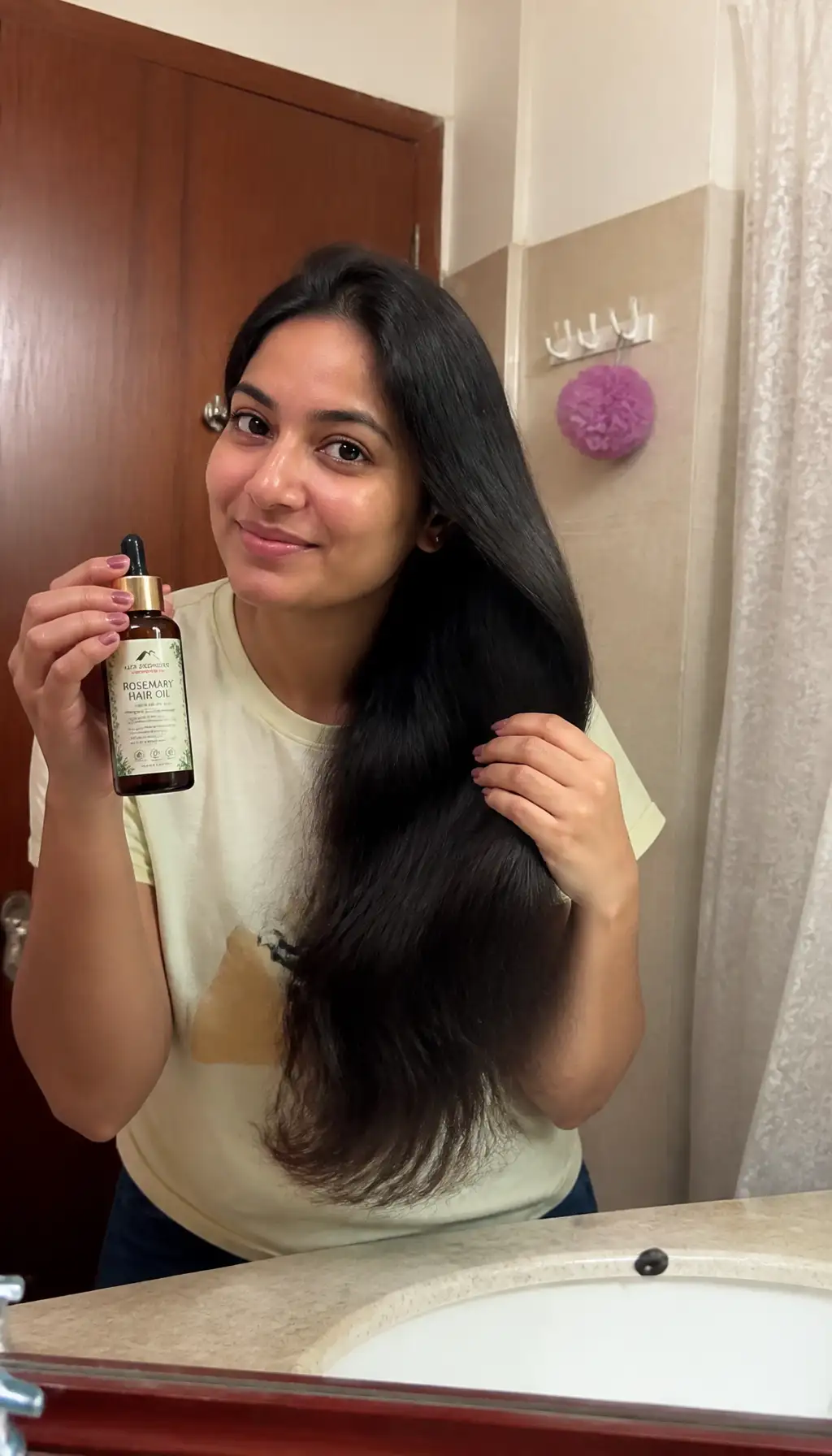
Hand-held and UGC style
Phone-camera shots of someone holding or applying the product, for social ads that look native to the feed.
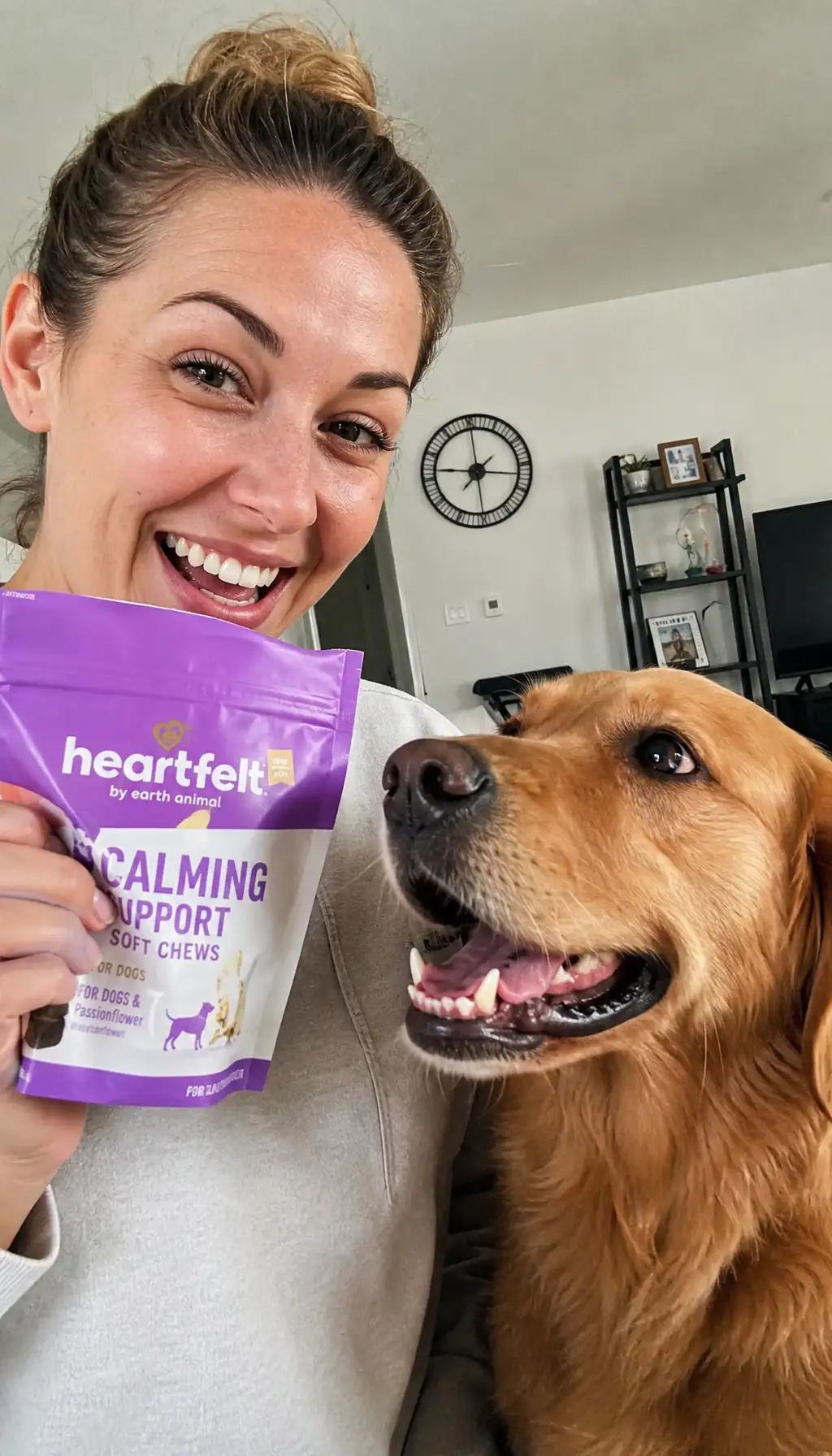
On-model and in use
Clothing worn, jewellery on, a bag on a shoulder, or the product in someone's hands in a real setting.
- Prompt
“Top-down flat lay of the product from my photo on beige linen with dried flowers, a gold ring and a folded note, soft daylight, product centered”
Flat lays
Top-down arrangements with complementary items, for collections, bundles and gift guides.
- Prompt
“Product from my photo on a wooden table with pine branches, warm fairy lights out of focus and wrapped gifts, cozy holiday mood, label unchanged”
Seasonal and holiday
The same product dressed for Black Friday, the holidays, Valentine's Day, Diwali or summer, without a new shoot each time.
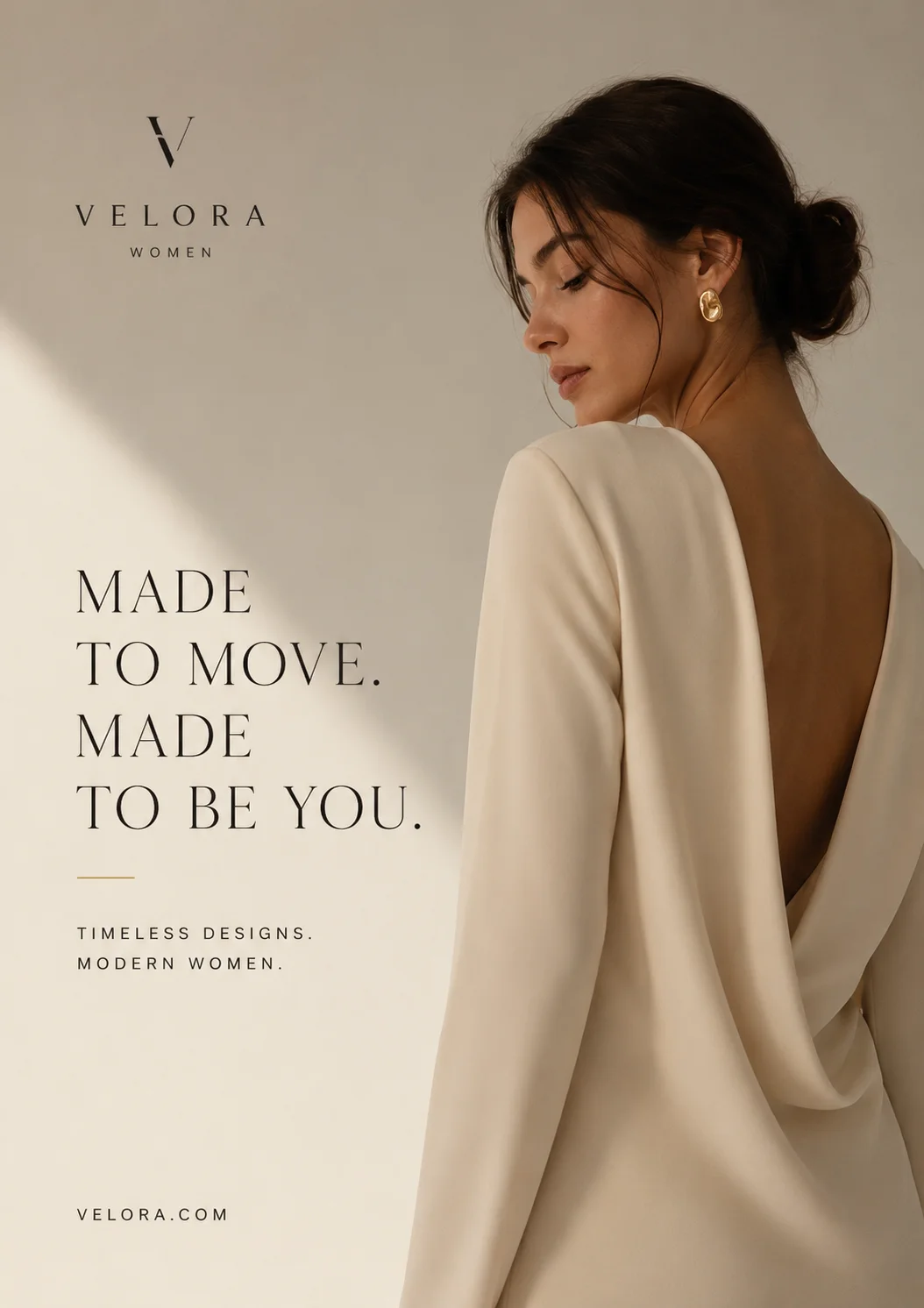
Ad creatives with text
Product shots with a headline, an offer or a price, laid out for feed and story placements.
Pictured examples were made in Perfect Photo AI.
The best models for product work
All of these take your product photo as a reference. Specs and prices are read from the studio, so they match what you'll be charged.
| Model | Best for | Photos in | Max size | From |
|---|---|---|---|---|
| Nano Banana Pro | The most faithful to shape, material and small details. Start here for hero and on-model shots. | 4 | 4K | 25 credits |
| GPT Image 2 | The one to use when packaging copy, a label or an ad headline has to be spelled right. | 4 | 2K | 15 credits |
| Seedream 4.5 | Takes the most photos at once: a full product set, or front, back and detail views of one item. | 10 | 4K | 20 credits |
| Nano Banana 2 | Same family as Pro, cheaper per image. Good for trying scenes before you make the final. | 4 | 4K | 20 credits |
| Flux Kontext Pro | Edits one photo in place: swap the surface or the backdrop and leave the rest alone. | 1 | 1K | 20 credits |
“From” is the price of one image at the smallest size. Larger sizes and higher quality tiers cost more.
Keep labels and logos accurate
A product photo is only useful if it shows the real product. These habits make the difference between a shot you can publish and one you can't.
Start with a sharp source
The model can only keep what it can see. A blurry or angled label comes back blurrier. Fill the frame and shoot square to the front.
Say what must not change
Name the parts that matter: "keep the logo, label text and bottle shape exactly as they are". Models follow explicit constraints better than implied ones.
Add more angles
Upload the front, back and a close-up of the label as separate references. Seedream 4.5 takes up to 10 photos in one generation.
Change one thing at a time
Get the scene right first, then adjust light, then props. Small follow-up edits drift less than one long prompt that changes everything.
Use a text model for words
If new text appears in the image (a headline, a price), use GPT Image 2. Keep it short: a few words render more reliably than a paragraph.
Check before you publish
Zoom in on the label, logo and fine print and compare with the real product. If something is off, regenerate or fix it with an edit. Don't list a product with details it doesn't have.
From product photos to on-brand ads.
Selling more than one product, or making ads every week? Set up a brand kit once. We read your website for your logo, colors, fonts, tone and products. The Marketing Studio then builds image ads around the kit and your product photos, and video ads that start from a product shot, in sizes for feed, Stories and banners.
- Brand kit10 credits to read your site, 20 to save
- Image modelsNano Banana Pro, Nano Banana 2, Seedream 4.5, Seedream 5.0 Lite, GPT Image 2 and GPT Image 1.5
- Video adsStart from your product shot
Questions, answered
Related tools
- AI ad generatorOn-brand image and video ads from your logo, colors and products.
- AI image generatorEvery image model in the studio, side by side.
- Nano Banana ProPhotoreal product shots and edits that keep the original intact.
- GPT Image 2Packaging, labels and ads where the text has to be right.
- Image to videoTurn a product shot into a short clip.
- All AI toolsLogo, character, wallpaper and other generators.
Your next product shoot is one photo away.
Upload the product, describe the shot, and compare a few takes.
Open the studio